generate multiple pdfs from a single form in elementor pro and elementor forms

7 January, 2026 10:20:51
elysiumJY
Topics: 1
Messages: 3
Hello,
I'm currently testing your solution for my new website.

Here's my situation:
- I created a page with a multi-step form using Elementor Forms (approximativly 100 fields). The form redirects the fields to a custom post type.
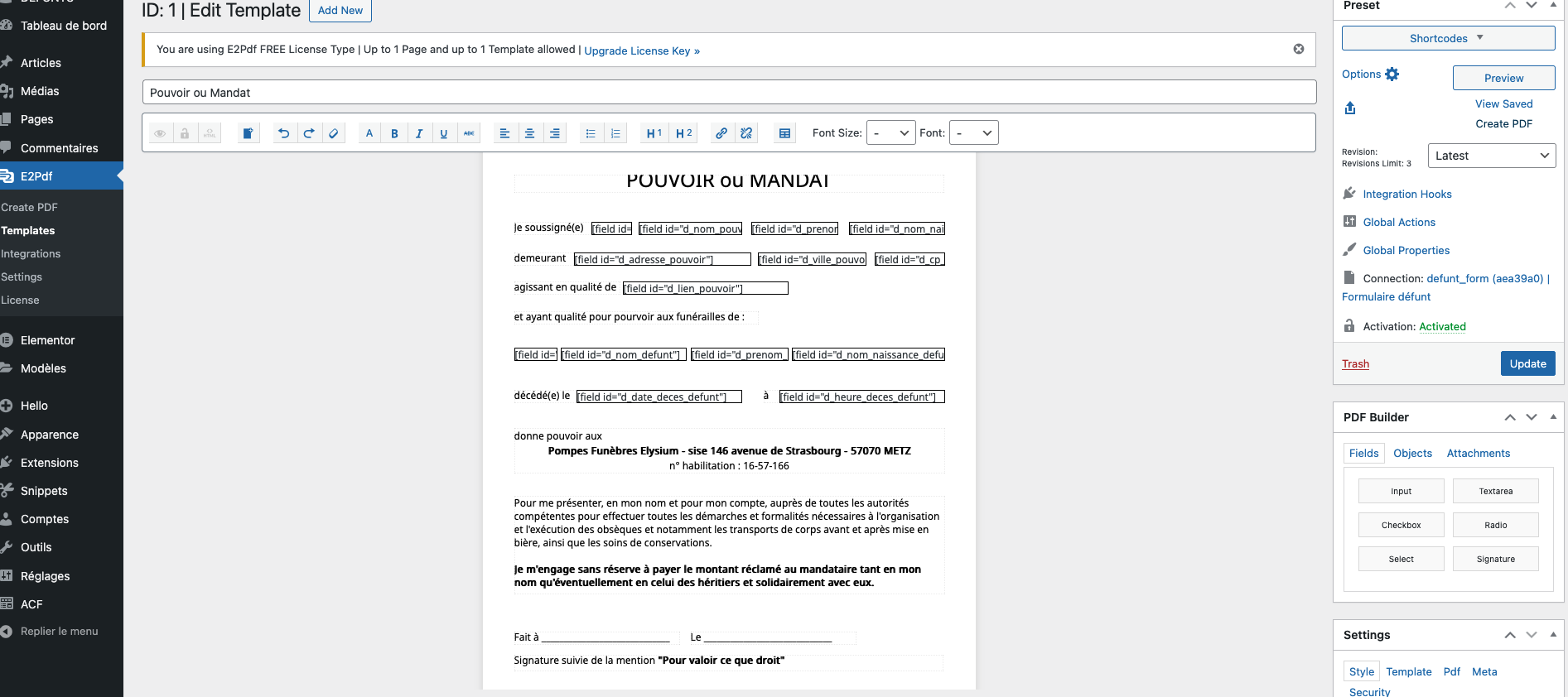
- I created an E2PDF template with some of the form fields (my goal is to create approximately 20 different PDF templates, each with the different form fields).
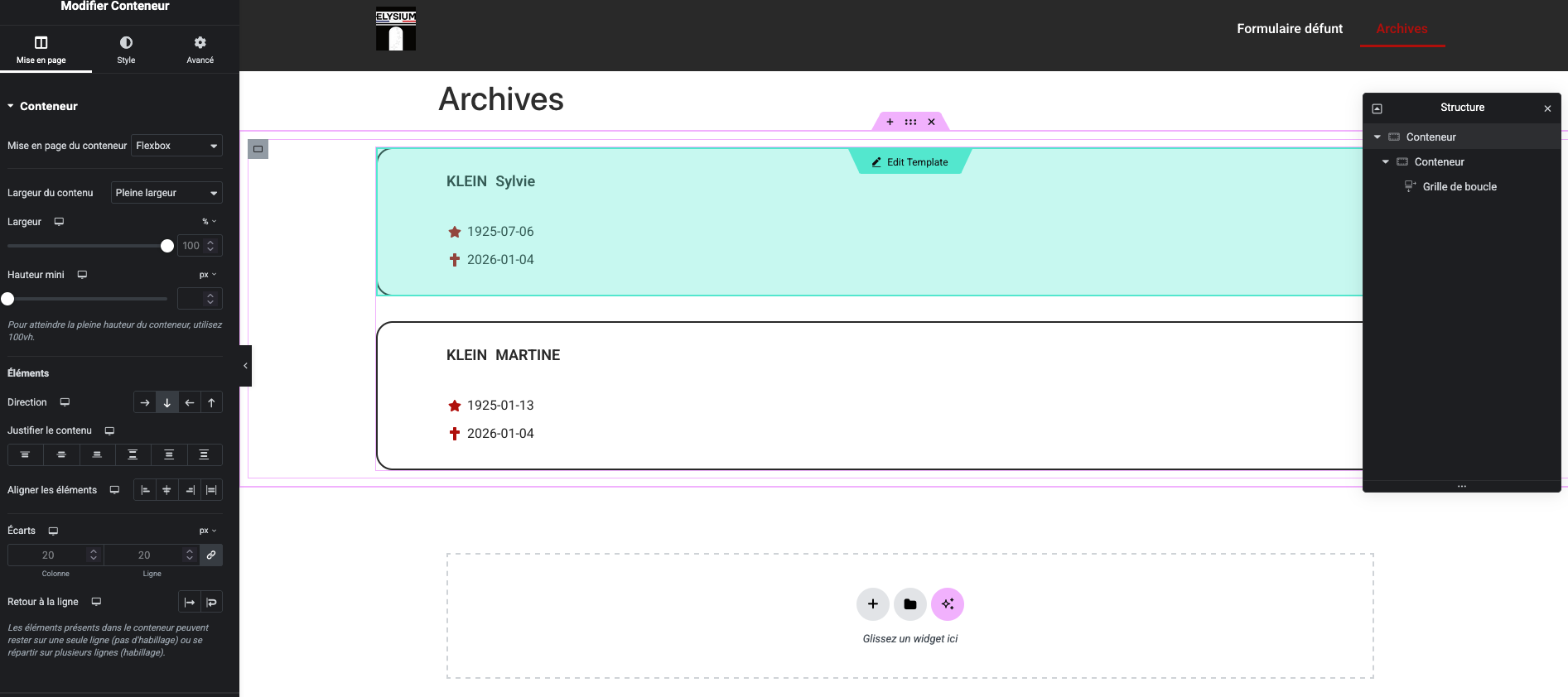
- I created a second page in Elementor Pro containing a loop archive. This archive contains all the form submissions (CPTs).

My problem is this:
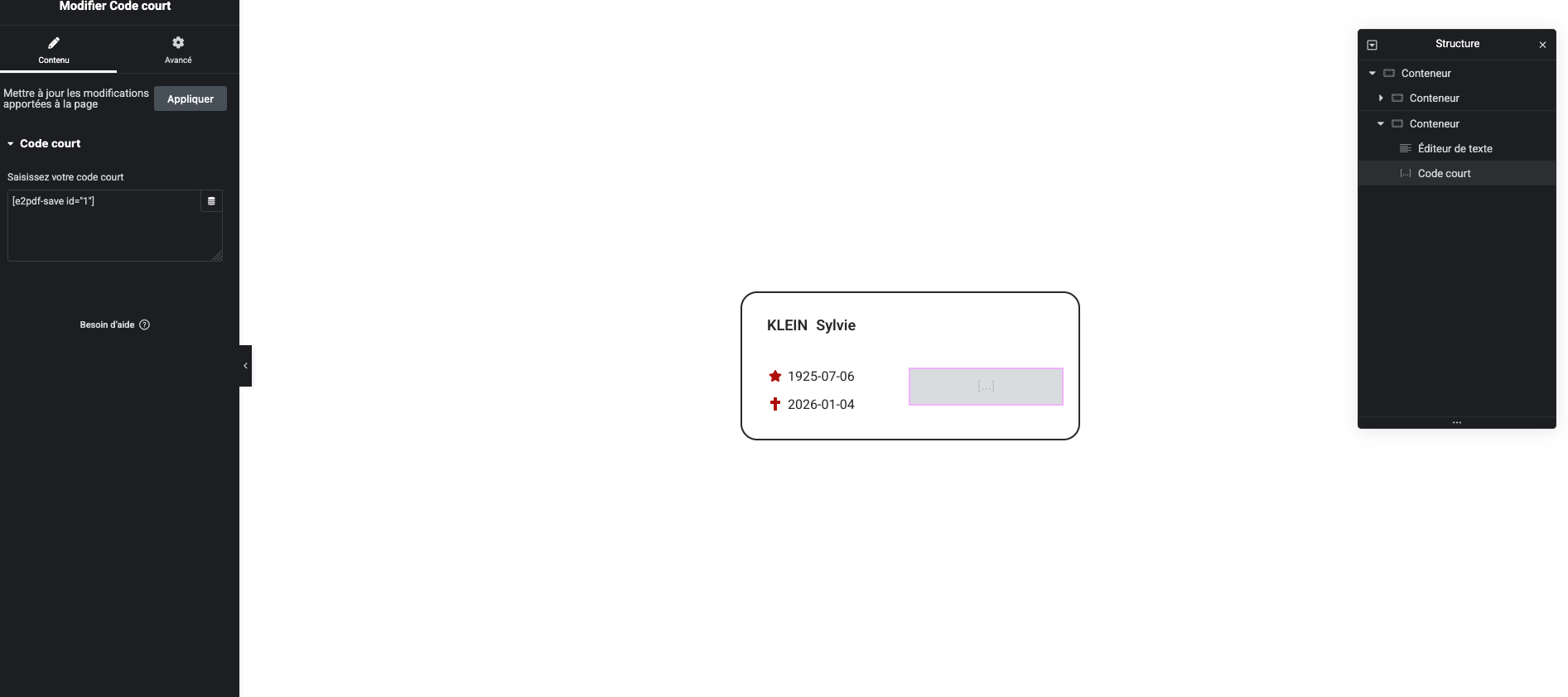
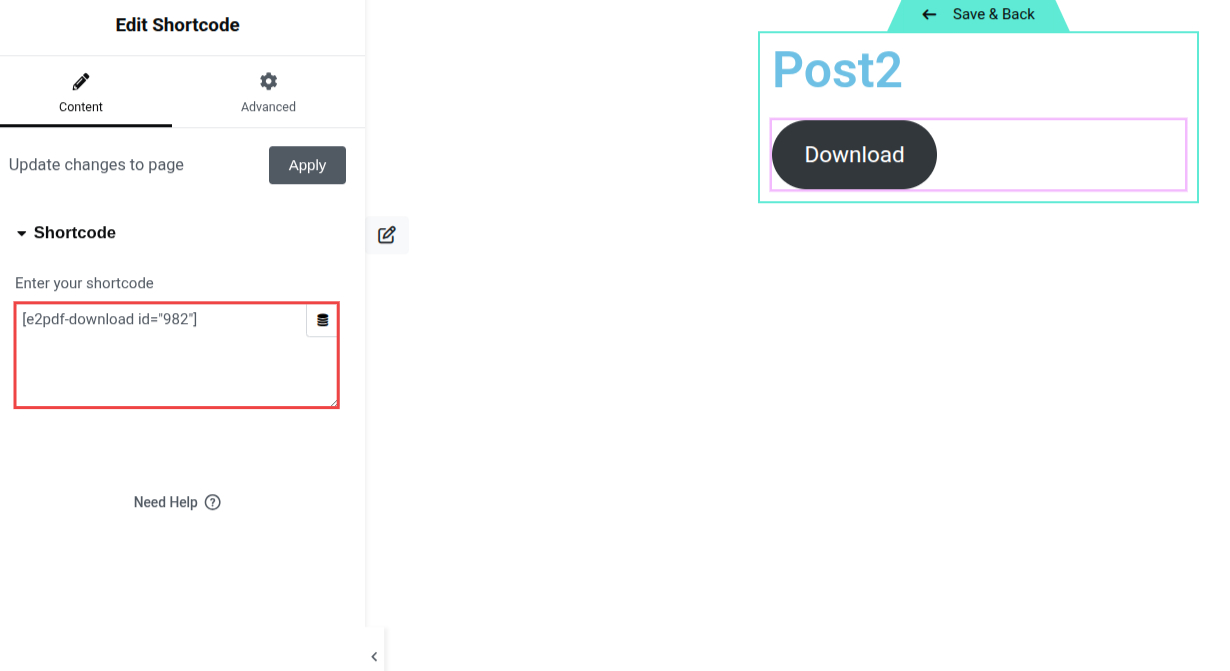
the shortcode I'm inserting into my archive loop isn't working. I've tried inserting it using both the SHORTCODE widget and the TEXTEAREA widget.

The ultimate goal is to insert the 20 shortcodes for my 20 PDF templates into my archive loop.

Thank you in advance for your help. (Sorry for the translation !!)
7 January, 2026 10:29:55
elysiumJY
Topics: 1
Messages: 3
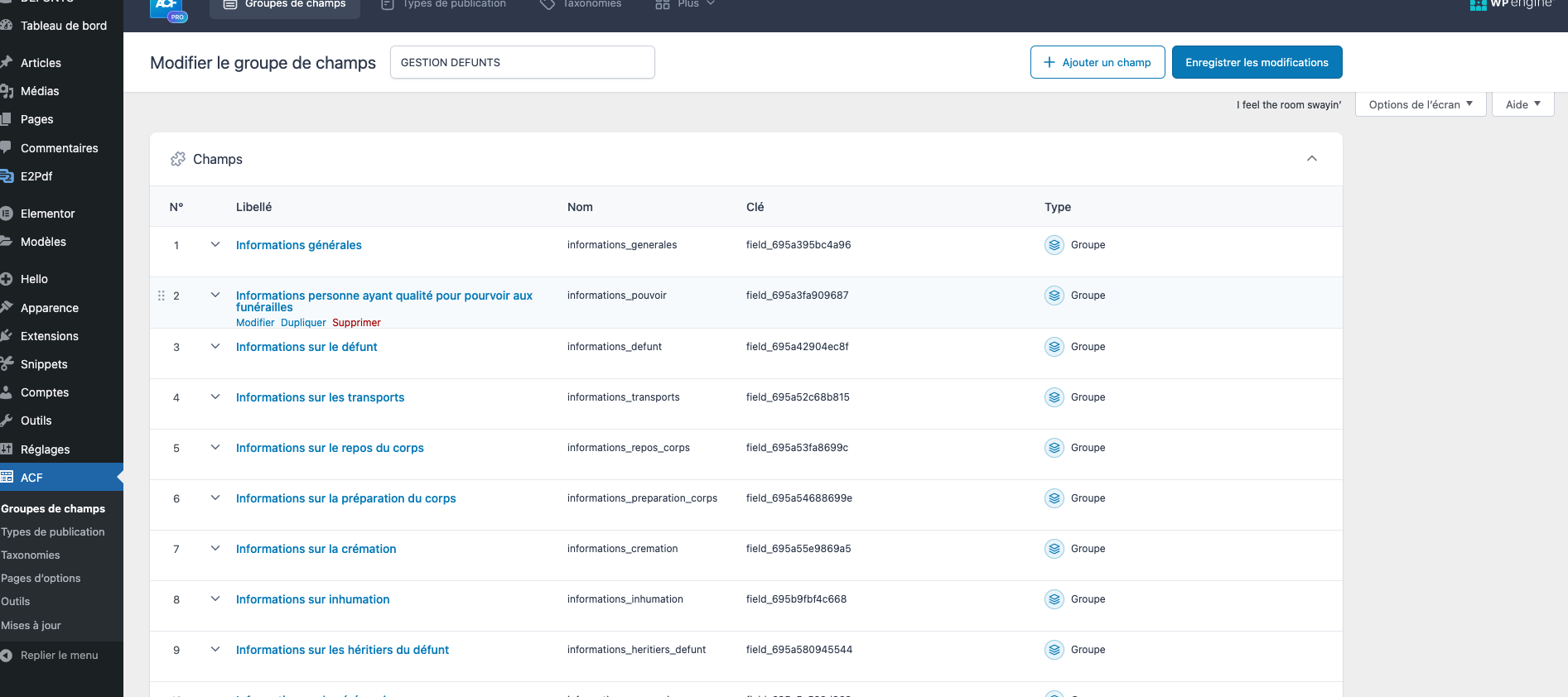
Here are some screenshots to illustrate my problem.
- Loop archive
- Page archive
- WP dashboard with ACF fields
- E2PDF modele
7 January, 2026 11:00:24
E2Pdf
Support
Topics: 7
Messages: 3577
Hello,

There are a couple of issues with your setup that should be fixed.

1. Your E2Pdf template is connected to Elementor Form, which means it is designed to output data from Elementor Form entries. However, your loop is iterating over a custom post type, not Elementor entries.

2. You are using the [e2pdf-save] shortcode, which is designed only to save the PDF on the server.

To fix this:

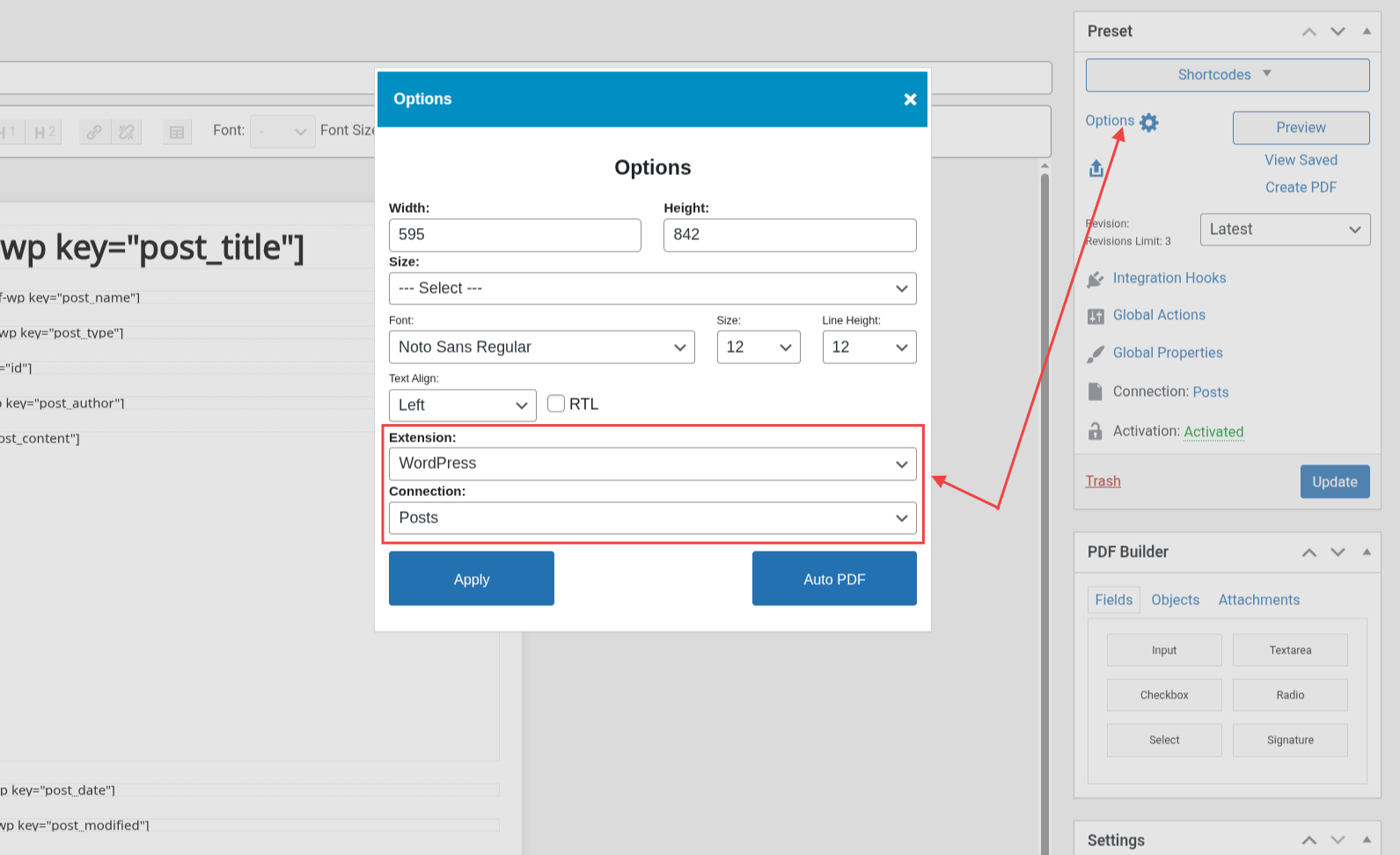
1. Reconnect the E2Pdf template to "WordPress" →"Your Custom Post Type". (The same post type that is used in the loop.)

2. Remap the fields using the syntax corresponding to the WordPress template connection, not the Elementor Form: https://e2pdf.com/docs/extensions/wordpress

3. Use the [e2pdf-download id="1"] shortcode instead of [e2pdf-save id="1"] in the Loop template.
We would really appreciate your feedback at WordPress.org!
7 January, 2026 20:42:14
elysiumJY
Topics: 1
Messages: 3
Thank you for your prompt and helpful response.
Everything works perfectly.