Featured Images being blurry

WordPress Resolved
May 27, 2019 21:24:08
REvan
Topics: 1
Messages: 2
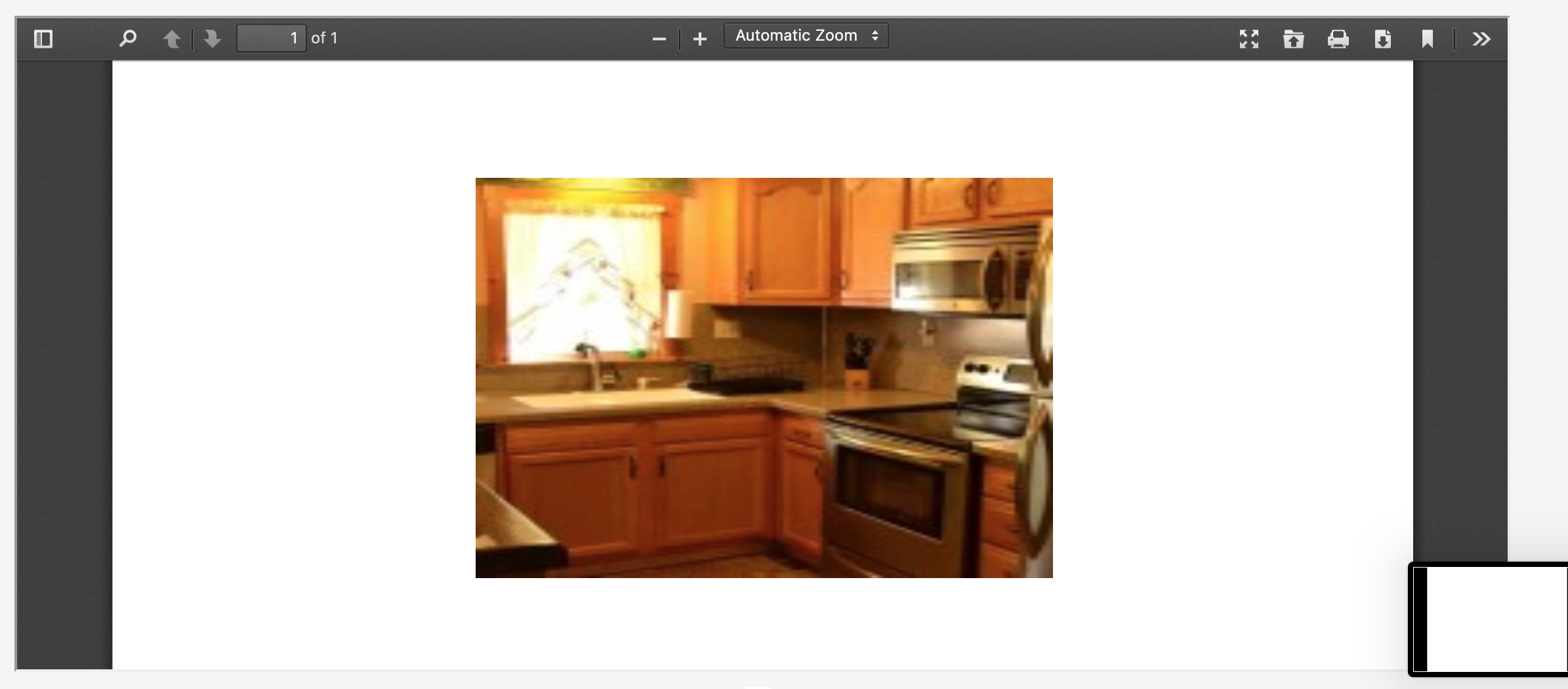
I'm mapping the image box to the standard [post_thumbnail] however each image is extremely blurry and does not represent the image true quality. Am I missing something here or is this a bug? I have tried scaling the image to different sizes however this does not improve the quality.
May 28, 2019 05:48:34
E2Pdf
Topics: 7
Messages: 3617
Support
Hi,

[post_thumbnail] shortcode using "thumbnail" (150x150) image size by default. You can change it by adding "size" attribute to shortcode:

[post_thumbnail size="full"]

Default Image sizes: thumbnail, medium, medium_large, large or full but it can be used also other custom registered image sizes.

We remain at your service.

We would really appreciate your feedback at WordPress.org!
May 28, 2019 06:02:40
REvan
Topics: 1
Messages: 2
Perfect! Thank you for your swift reply. Perhaps the best plugin I’ve ever used, keep up the good work :)
Get News and Updates
Our monthly newsletter keeps you in the loop, so you'll always be up to date with the latest news and updates about E2Pdf.
* You can update your email subscription preferences here.
All trademarks, service marks, trade names, product names, and logos appearing on this website are the property of their respective owners. The use of trademarks such as Formidable Forms®, Forminator Forms®, Gravity Forms®, JetFormBuilder®, WordPress®, WooCommerce®, WPForms® and others is solely for identification purposes (nominative use) and does not imply any affiliation, sponsorship, or endorsement by the respective trademark holders.
© 2017 - 2026, https://e2pdf.com

We use cookies to collect and analyse information on site performance and usage, to provide social media features and to enhance and customise content and advertisements. By clicking "Accept Selected", you consent to use of selected cookies according to our Cookie Policy.