Visual Mapper Not Working

May 17, 2021 10:49:44
parvustefan
Topics: 1
Messages: 4
Hi guys,

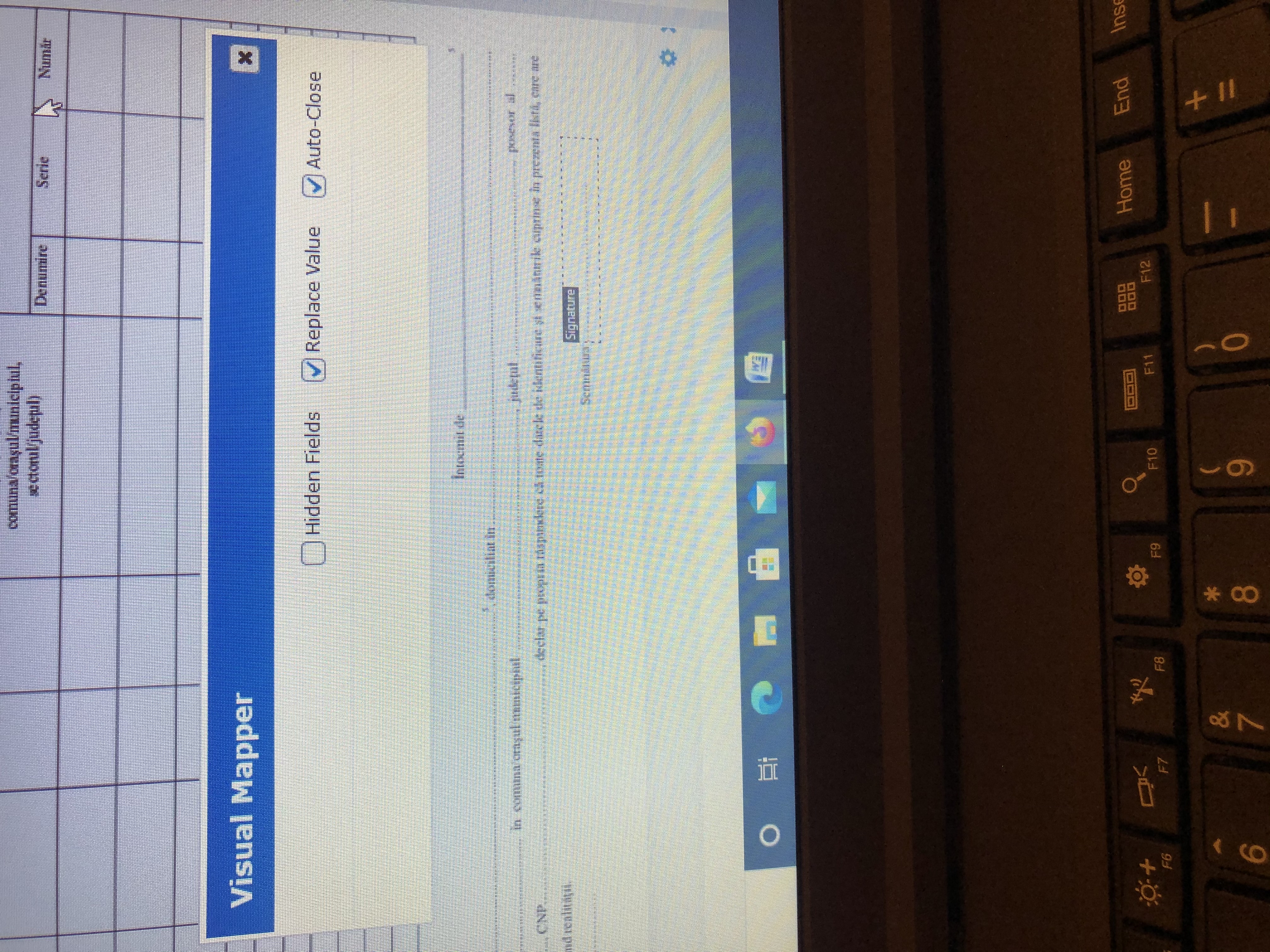
I am trying to map my fields on a custom pdf and it does not work. When i push Map nothing appears, any ideas why?

Thank you.
May 17, 2021 10:55:04
E2Pdf
Topics: 7
Messages: 3617
Support
Hi,

Which forms are you using? Are you able to share backup of the Form as it can be connected with Form structure?

We remain at your service.

We would really appreciate your feedback at WordPress.org!
May 17, 2021 11:00:34
parvustefan
Topics: 1
Messages: 4
I am using Forminator.

I am not sure what you mean by sharing backup of the Form.

Thank you.
May 17, 2021 11:19:25
E2Pdf
Topics: 7
Messages: 3617
Support
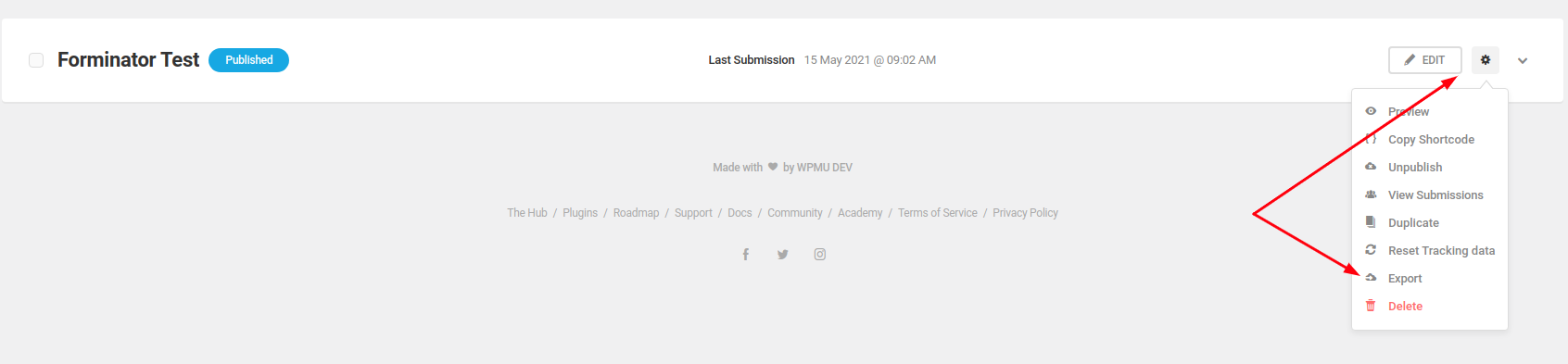
You need to export form as on attached screenshot from Forminator -> Forms -> Download .txt backup, zip and attach to next message so we can try to restore the form on our side and see if "Visual Mapper" will work.

Is "Visual Mapper" failing with any of other of Forminator forms?

As an alternative,you can submit support ticket with access details to your WP Admin Dashboard so we can check it directly on your website: https://e2pdf.com/support/request

We would really appreciate your feedback at WordPress.org!
May 17, 2021 11:41:57
E2Pdf
Topics: 7
Messages: 3617
Support
It works correctly on our side.

- If you have access to "error.log" can you check it for any "Fatal Errors" that can be connected with E2Pdf?
- If you have knowledge how to use Google Developer Console, can you check please which response you get after trying to map field?

If not, unfortunately we need to login to your WP Admin Dashboard (https://e2pdf.com/support/request) to see some more debug information and make some tests to find out the issue as it could be some plugin conflict or some specific setup which cause fail.


We would really appreciate your feedback at WordPress.org!
May 18, 2021 09:13:41
E2Pdf
Topics: 7
Messages: 3617
Support
Hi,

Glad to hear that issue resolved.

As about "signature", it takes the image which is generated by Forminator directly. You can try to play with settings on "signature" field directly on Forminator Form (screenshot attached), however it seems not possible to change "signature" color out of the box. Unfortunately Forminator by default saving "signature" as image without source so we can't regenerate it to respect E2Pdf Signature field settings like color or any other settings.

We remain at your service.

We would really appreciate your feedback at WordPress.org!
Get News and Updates
Our monthly newsletter keeps you in the loop, so you'll always be up to date with the latest news and updates about E2Pdf.
* You can update your email subscription preferences here.
All trademarks, service marks, trade names, product names, and logos appearing on this website are the property of their respective owners. The use of trademarks such as Formidable Forms®, Forminator Forms®, Gravity Forms®, JetFormBuilder®, WordPress®, WooCommerce®, WPForms® and others is solely for identification purposes (nominative use) and does not imply any affiliation, sponsorship, or endorsement by the respective trademark holders.
© 2017 - 2026, https://e2pdf.com

We use cookies to collect and analyse information on site performance and usage, to provide social media features and to enhance and customise content and advertisements. By clicking "Accept Selected", you consent to use of selected cookies according to our Cookie Policy.