General
Usage
Global Shortcodes #
Helper Shortcodes #
Logic Shortcodes #
Extensions #
- Caldera Forms
- Contact Form 7
- Divi Contact Forms
- Elementor Forms
- Everest Forms
- Fluent Forms
- Formidable Forms
- Forminator Forms
- Gravity Forms
- JetFormBuilder
- MetForm
- Ninja Forms
-
WooCommerce
- WordPress
- WPForms
Templates #
Elements #
PDF Builder Elements #
- Input
- Textarea
- Checkbox
- Radio
- Select
- Signature
-
Html
- Image
- Rectangle
- Link
- QR Code
- Barcode
- Graph
- Page Number
Actions & Conditions #
Dynamic Content
In some cases, it could be required to create HTML content dynamically depending on some conditions.
It can be accomplished in different ways, depending on 3rd party plugin usage.
Inline Conditional Logic #
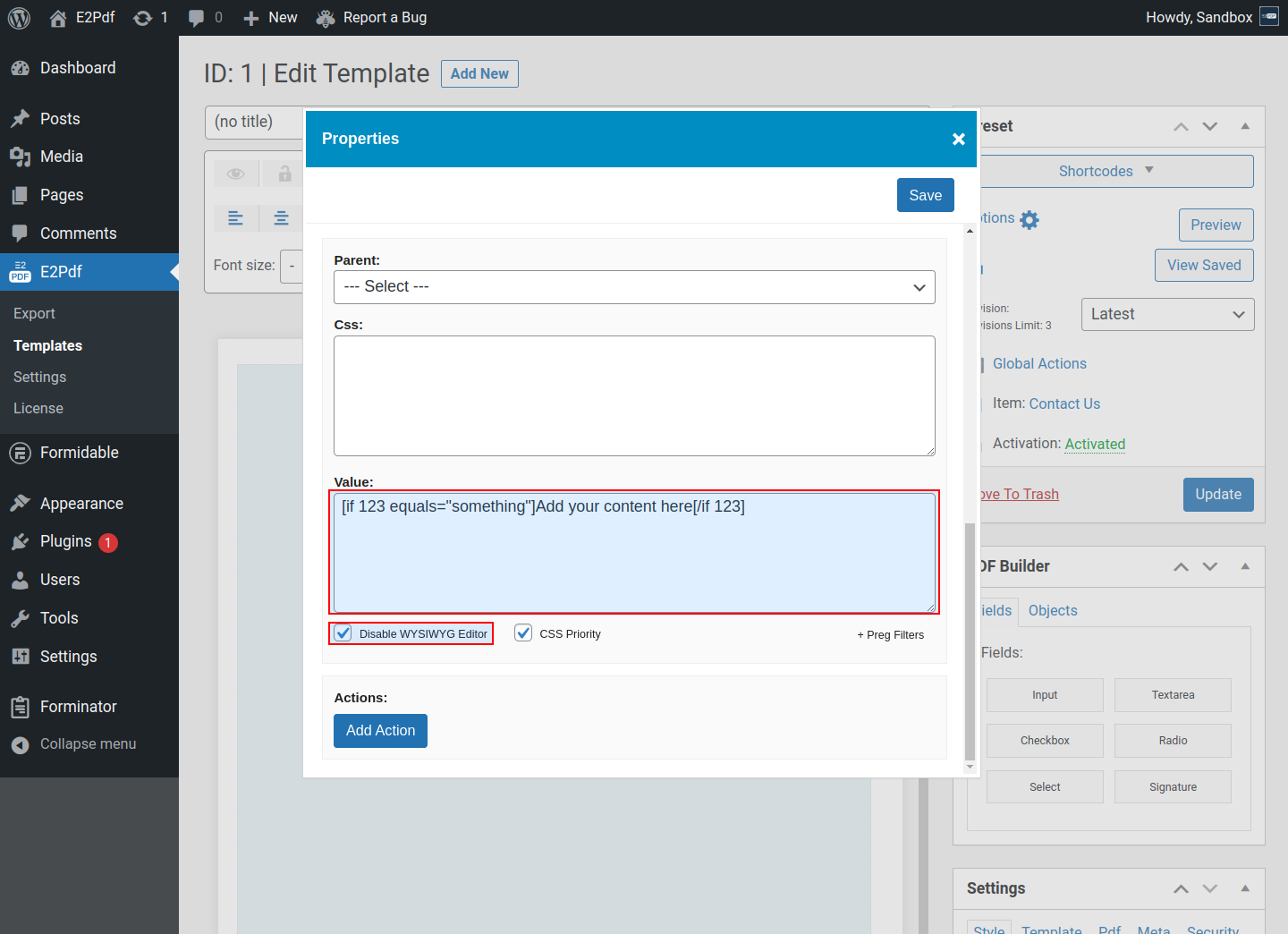
- Inline conditional logic can be used directly inside Value. It's currently supported by:
It is highly recommended Disable WYSIWYG Editor option to be set when it's used Inline Conditional Logic to prevent HTML re-formatting.
An example is for Formidable Forms. For other plugins, it must be used syntax depending on the 3rd party plugin.
Dynamic Merge #
-
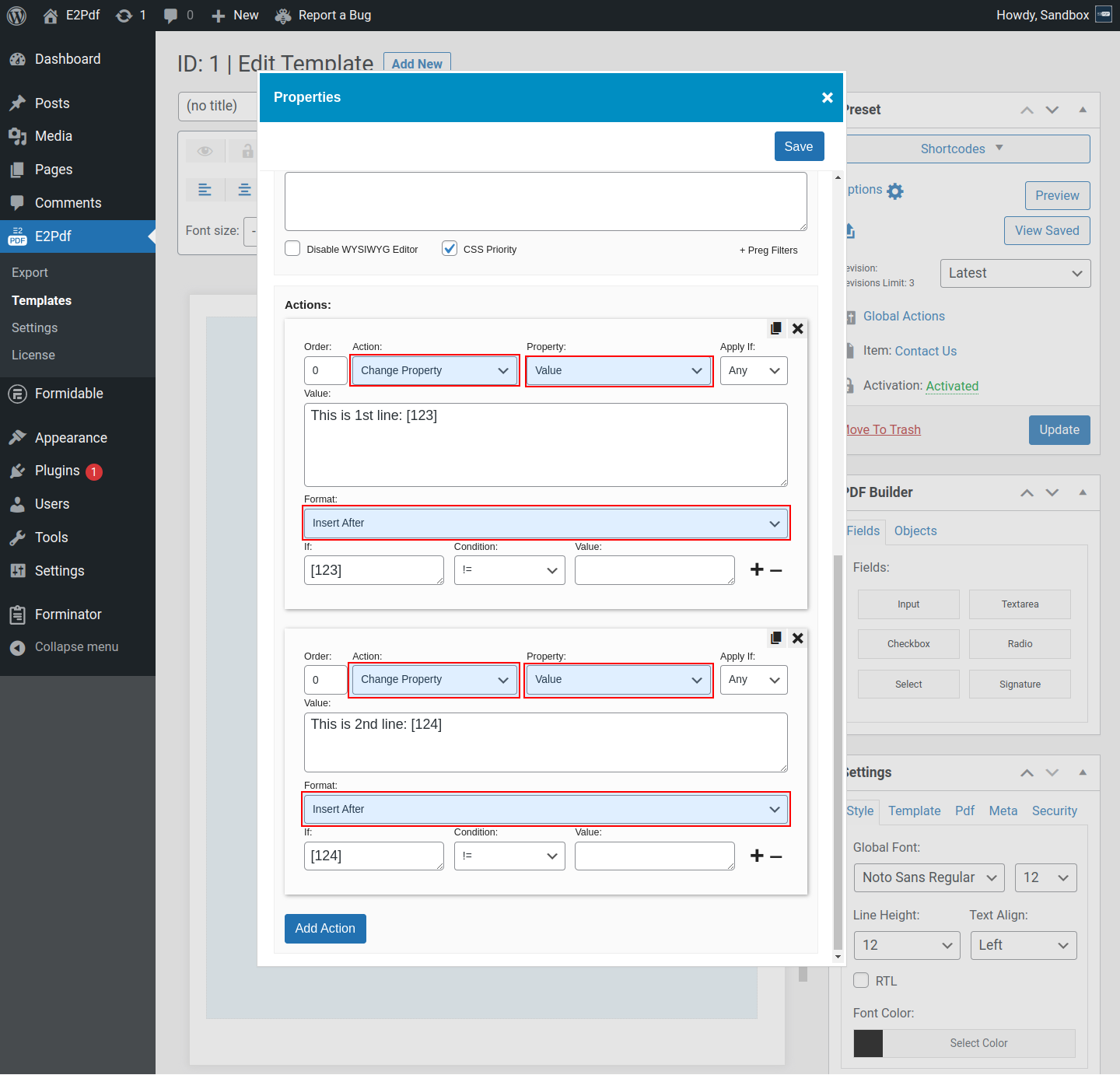
Dynamic Merge can be completed via Element Conditional Logic when Change Property -> Value is used.
Available formats:
- Insert Before - Add content to the start of the Value.
- Insert After - Add content to the end of the Value.
- Full Replacement - Completely replace the Value.
- Search & Replace - Search for string and Replace it in the Value.