General
Usage
Global Shortcodes #
Helper Shortcodes #
Logic Shortcodes #
Extensions #
- Caldera Forms
- Contact Form 7
- Divi Contact Forms
- Elementor Forms
- Everest Forms
- Fluent Forms
- Formidable Forms
- Forminator Forms
- Gravity Forms
- JetFormBuilder
- MetForm
- Ninja Forms
-
WooCommerce
- WordPress
- WPForms
Templates #
Elements #
PDF Builder Elements #
- Input
- Textarea
- Checkbox
- Radio
- Select
- Signature
-
Html
- Image
- Rectangle
- Link
- QR Code
- Barcode
- Graph
- Page Number
Actions & Conditions #
Builder
E2Pdf has a Visual PDF Builder that allows interaction with elements inside PDF.
It's possible to add new elements from "PDF Builder" MetaBox and/or interact with fields that were present in the pre-uploaded PDF.
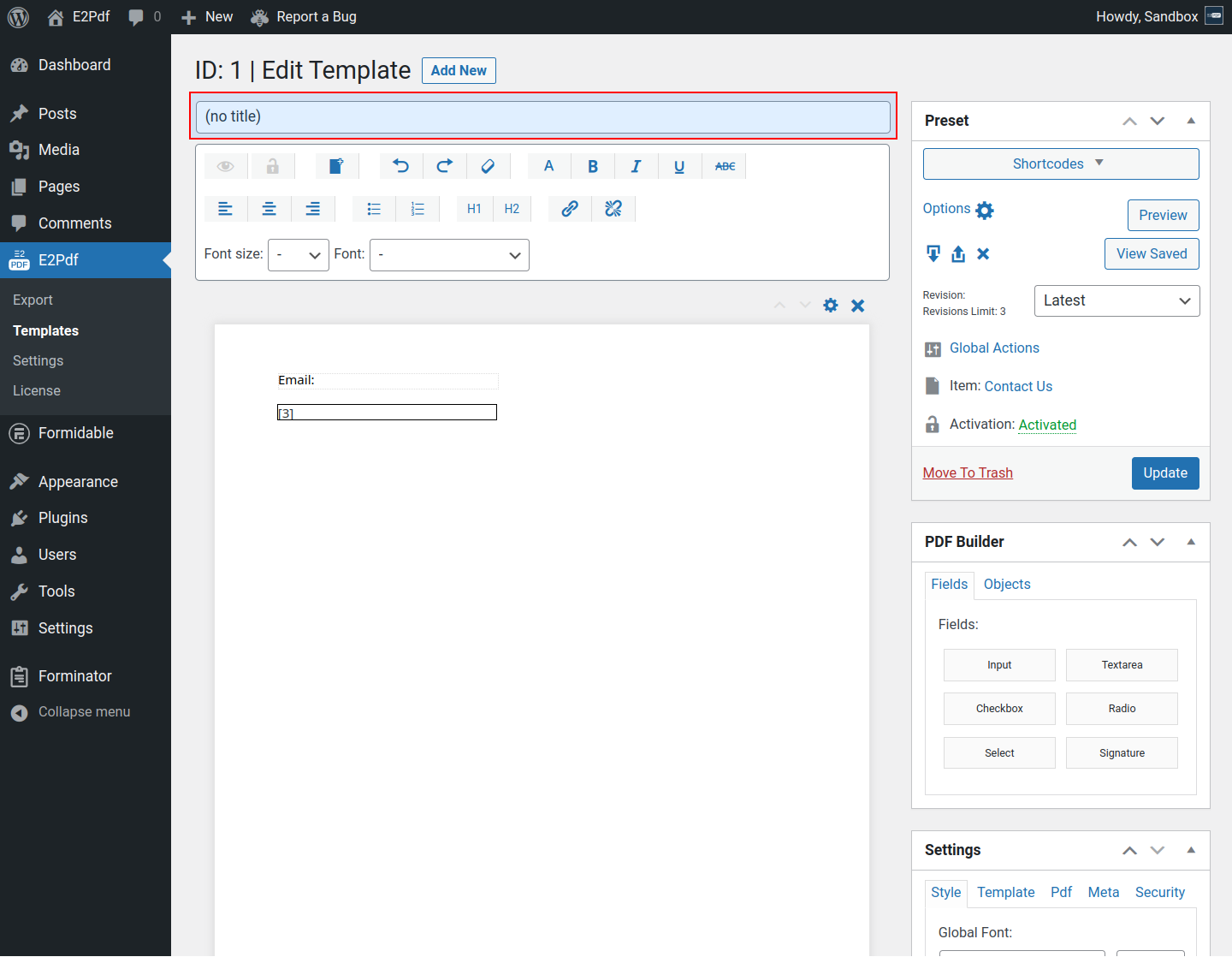
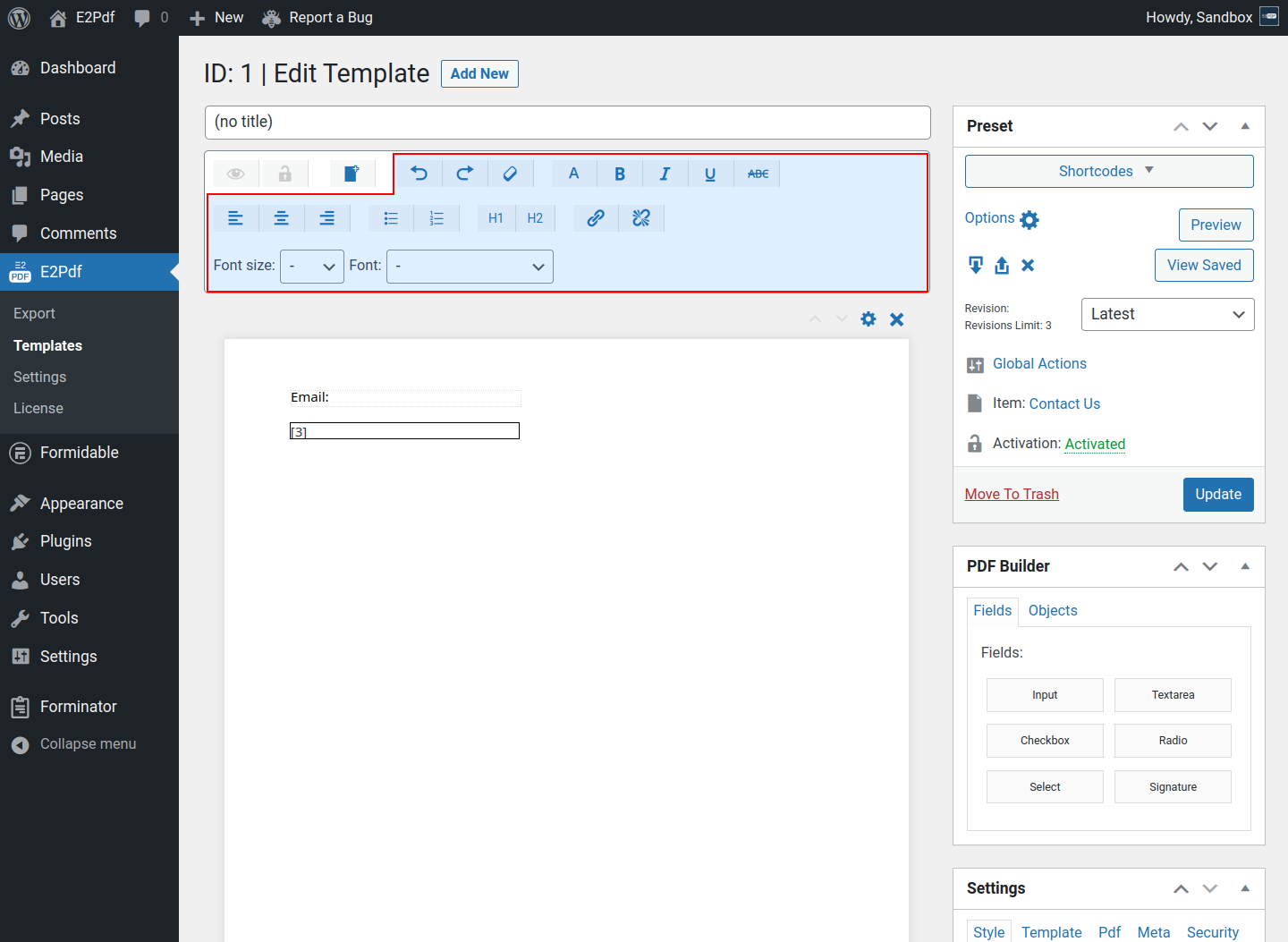
- Template Title - is the Title of the E2Pdf Template. Will be used as "PDF Name" if it's not set in "Settings" metabox and via shortcode attribute.
- Lock / Unlock "Locked" Elements - is used to temporarily change the "locked" status of elements that were locked. Read More ››
- Show / Hide "Hidden" Elements - is used to temporarily change the "hidden" status of elements that were hidden. Read More ››
- New Page - is used to add new pages to PDF. Adding new pages is not available under the pre-uploaded PDFs. Read More ››
- WYSIWYG HTML Editor - is used for simple styling in the "HTML" element. To format, it must be selected content with the mouse inside the "HTML" element and then clicked the appropriate formatting option.
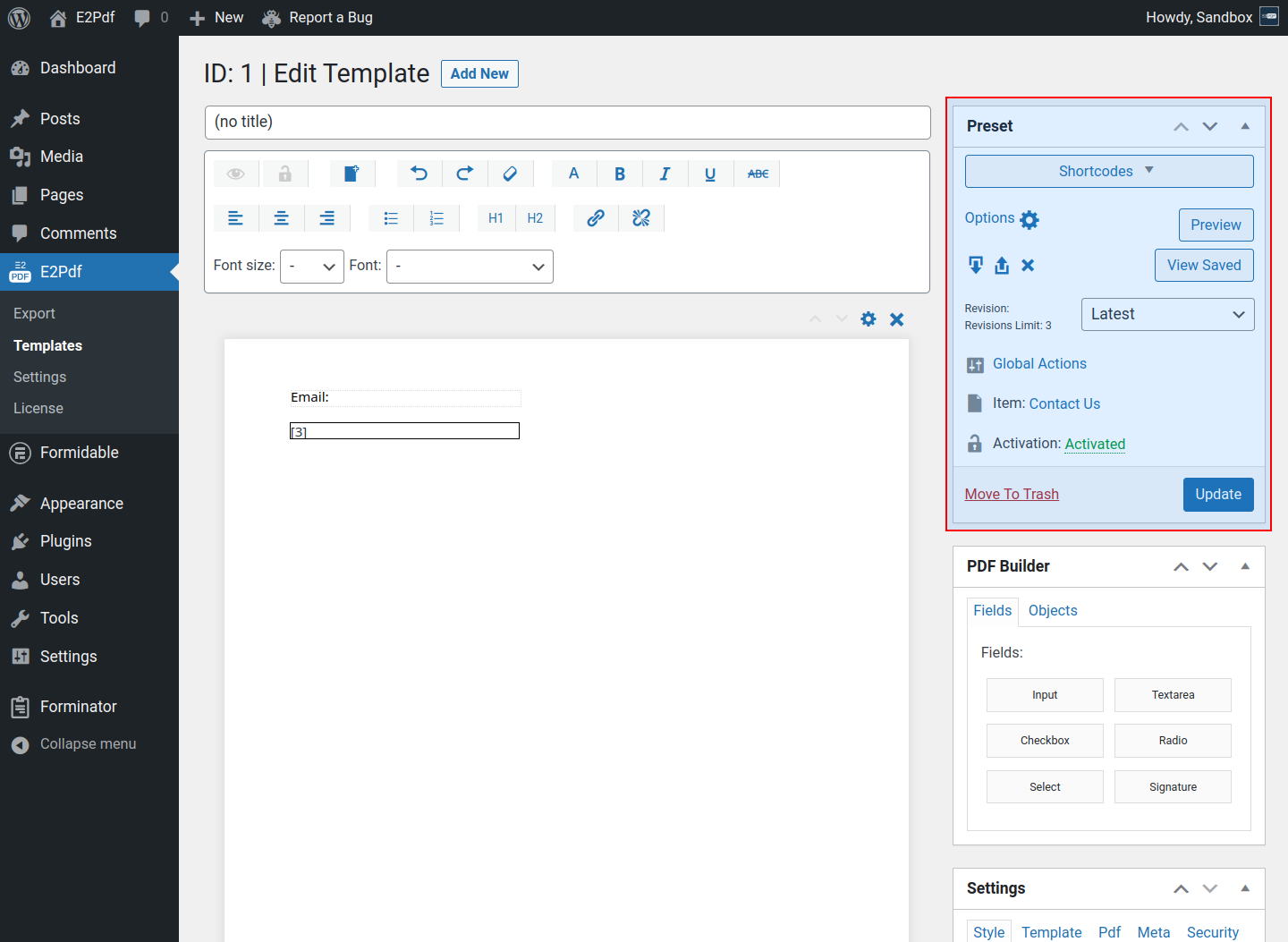
- Preset Metabox - contains general E2Pdf Template details and settings. Read More ››
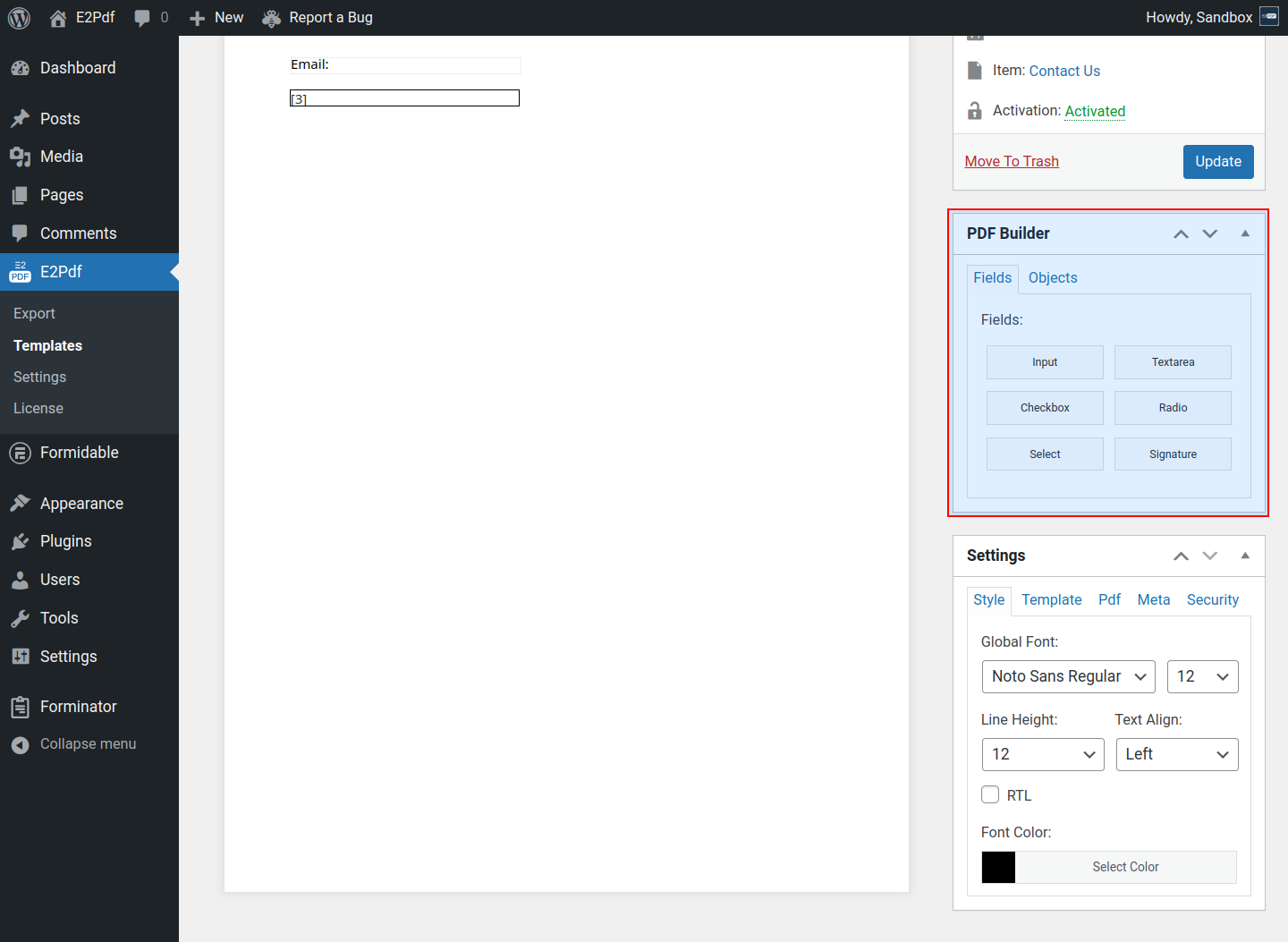
- PDF Builder Metabox - contains elements that can be added to PDF via Drag&Drop. Read More ››
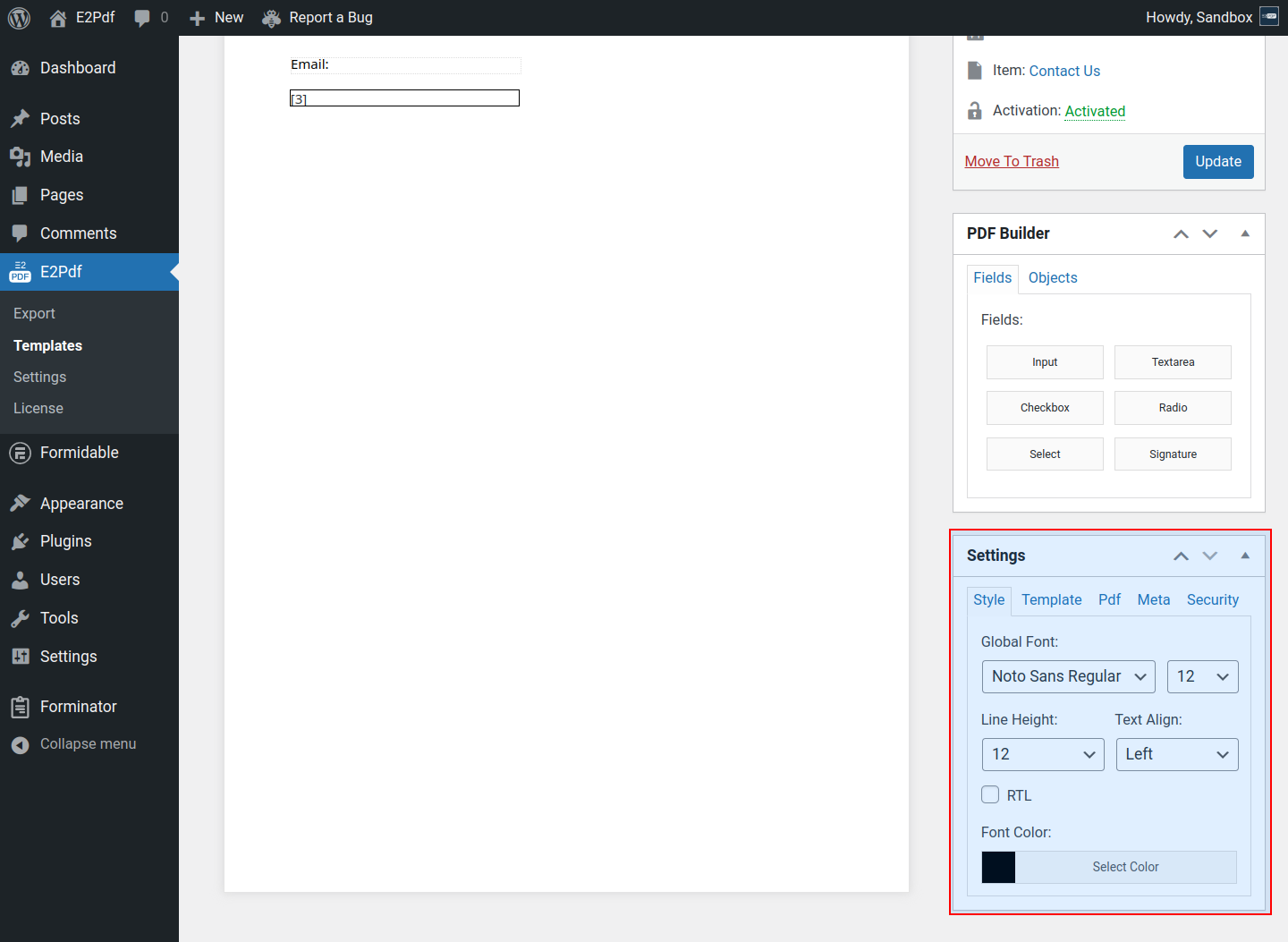
- Settings Metabox - contains extended E2Pdf Template and PDF render settings. Read More ››
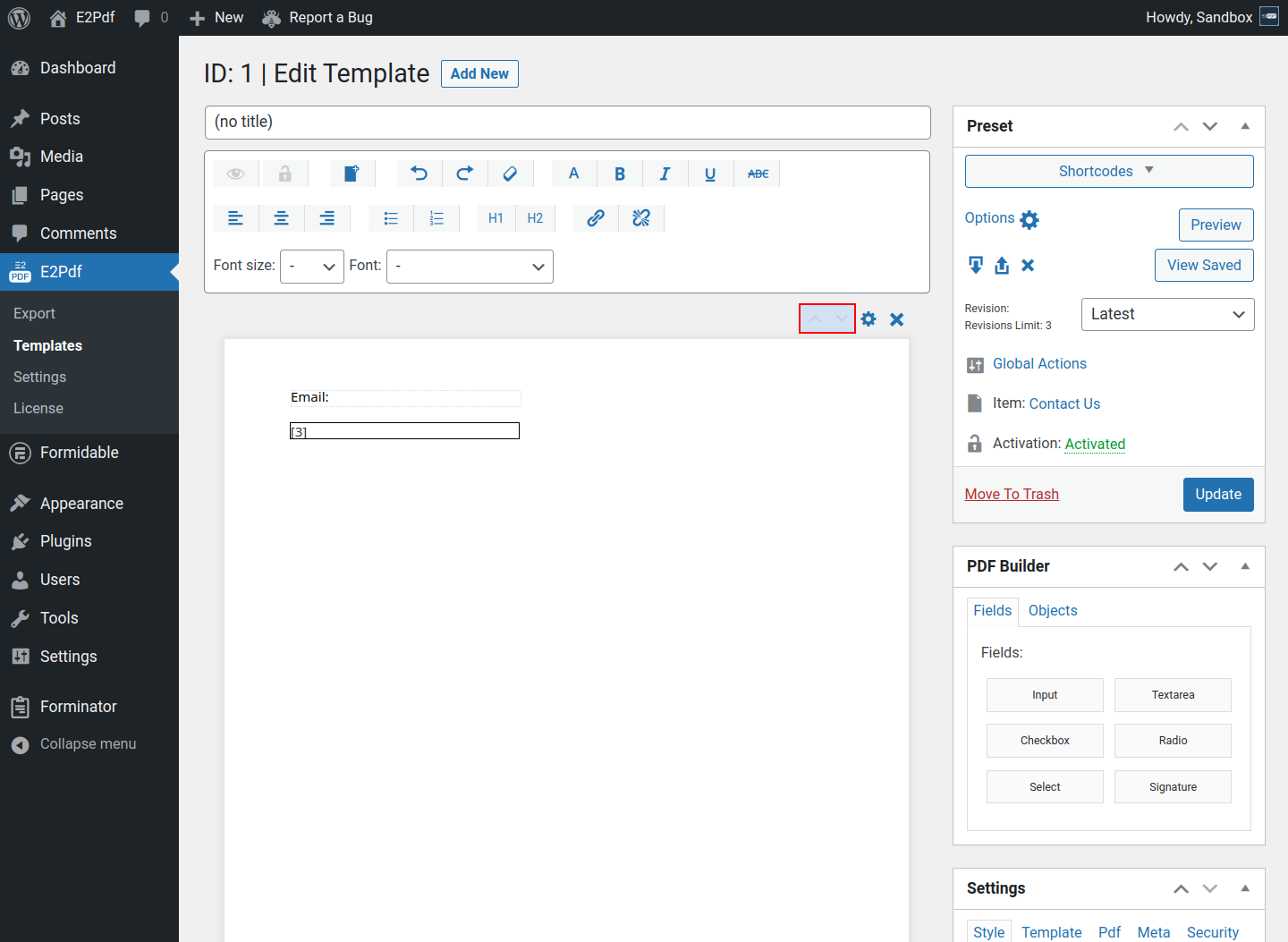
- Reorder Page - is used to move page up / down. Read More ››
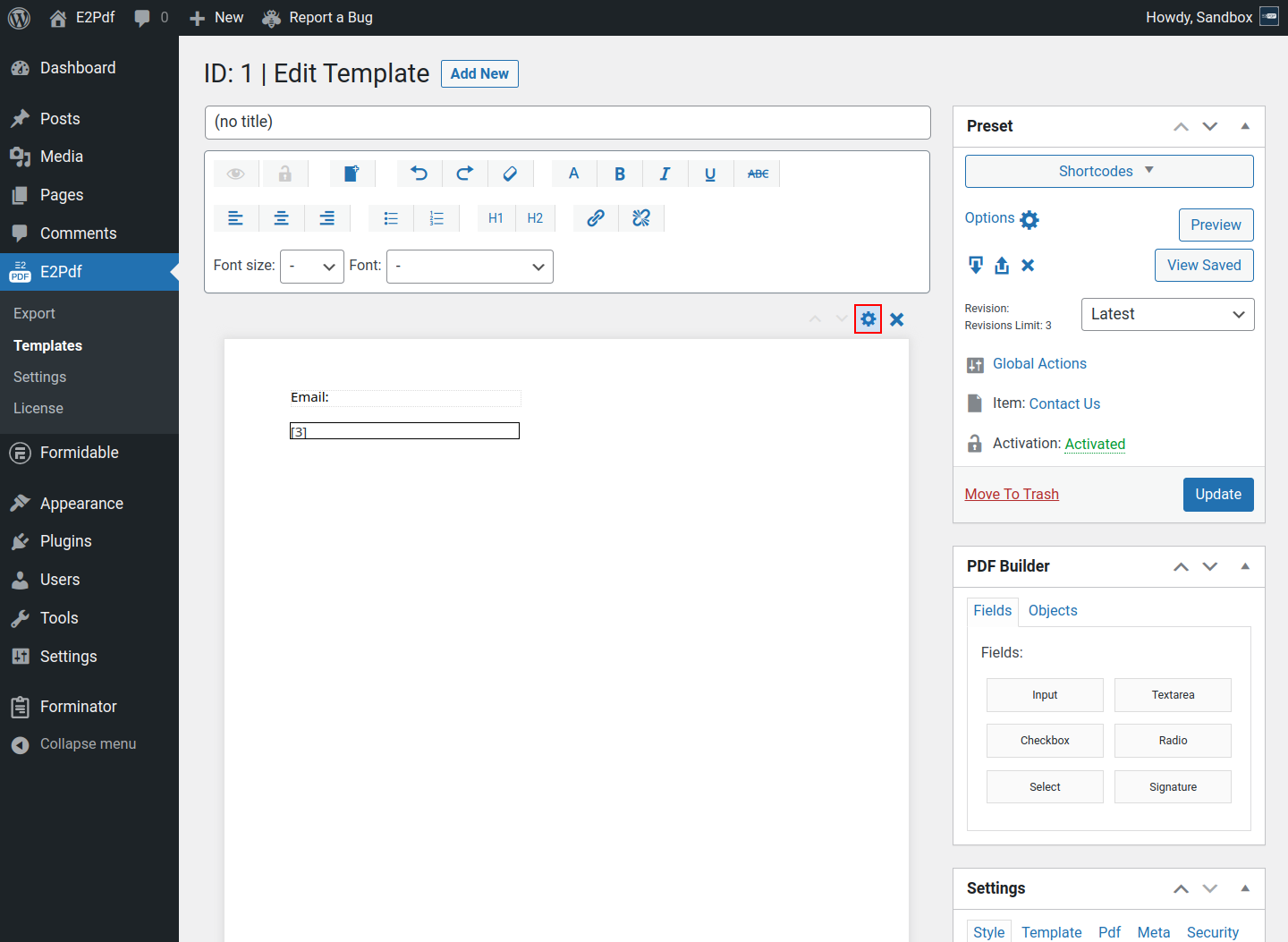
- Page Options - global page properties. Under page properties, it can be set "Actions" and "Conditions". Read More ››
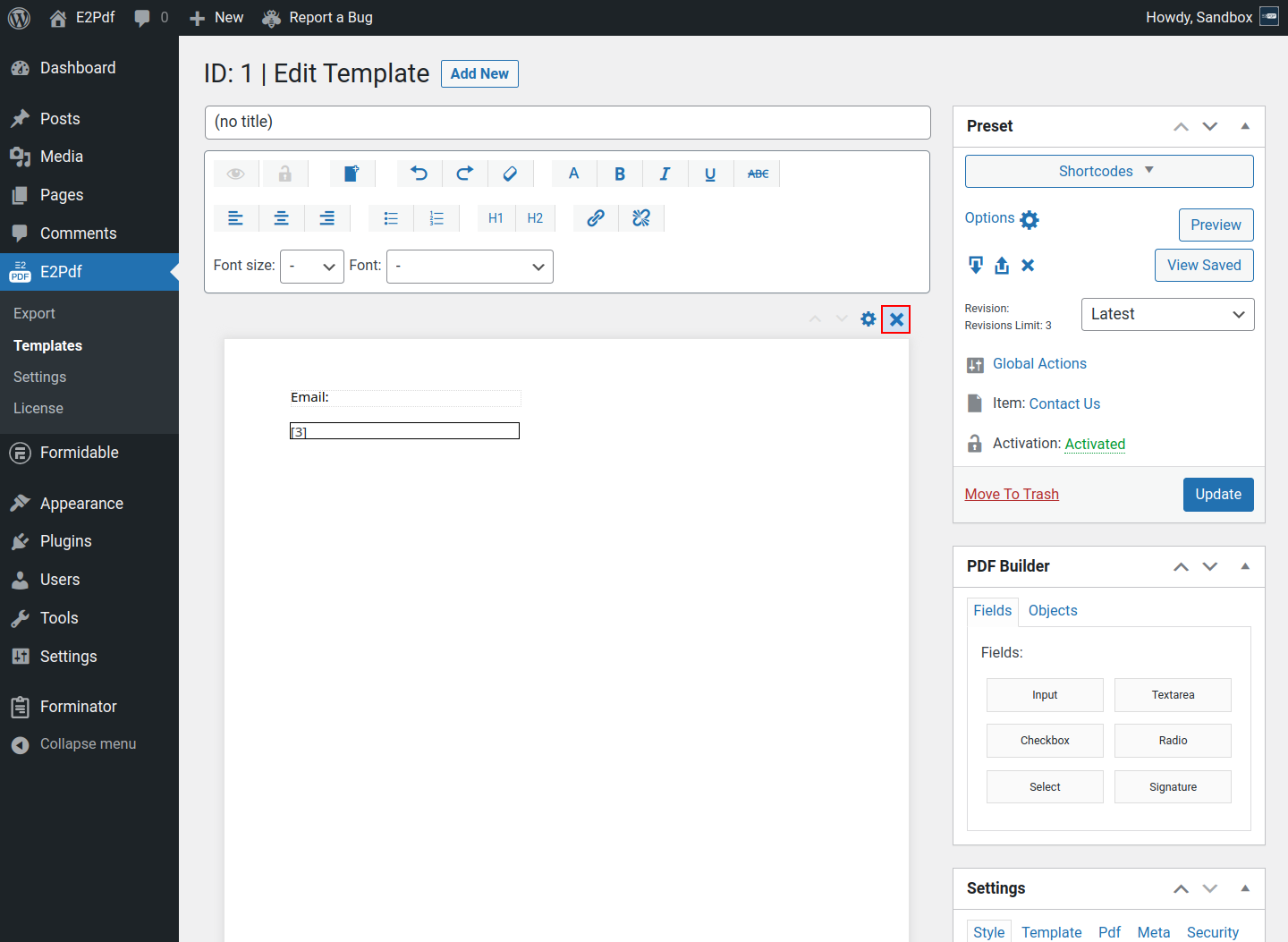
- Delete Page - is used to remove the page. The option is not available under the pre-uploaded PDFs. Read More ››
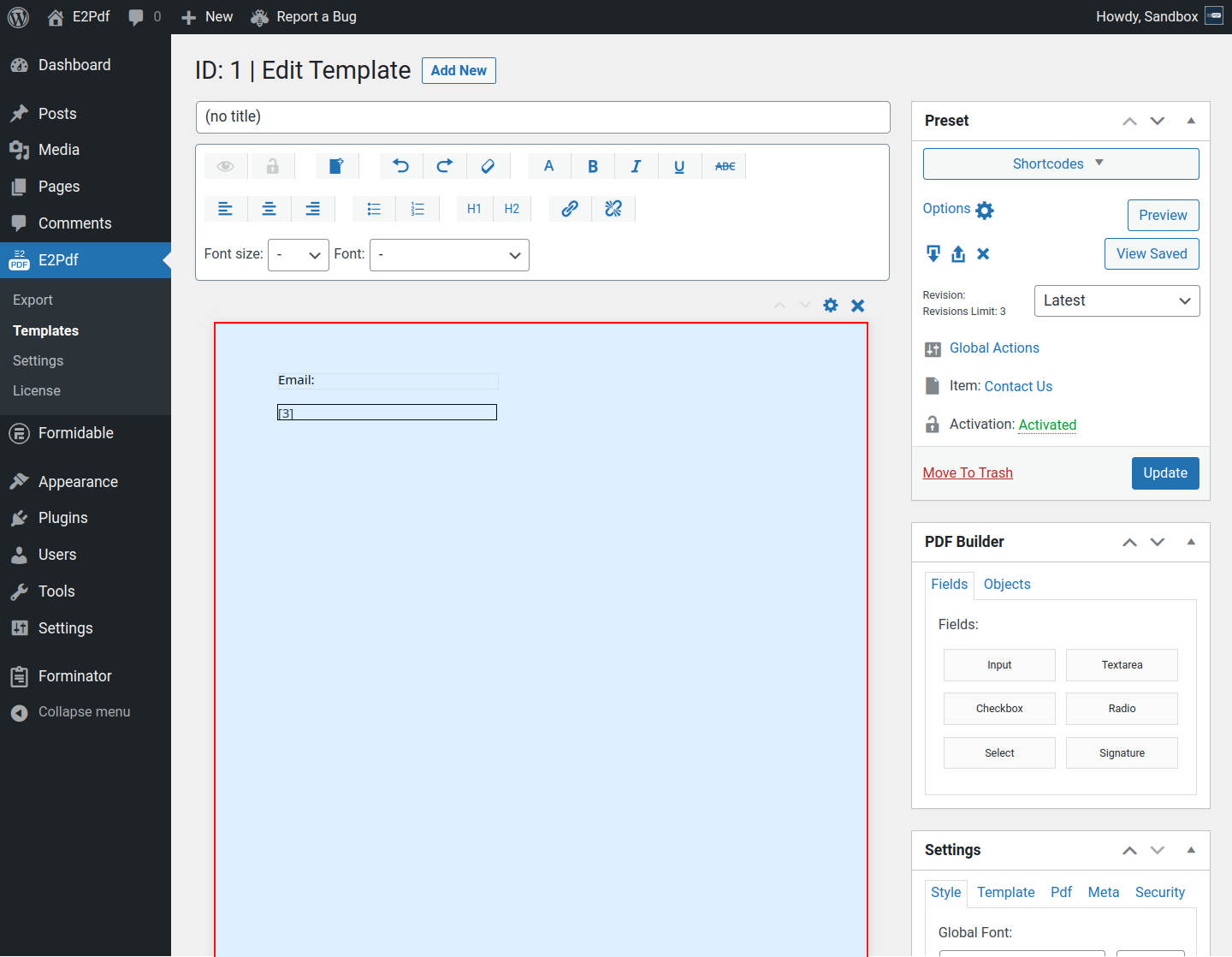
- PDF Page - visualization of PDF Page where must be placed elements.
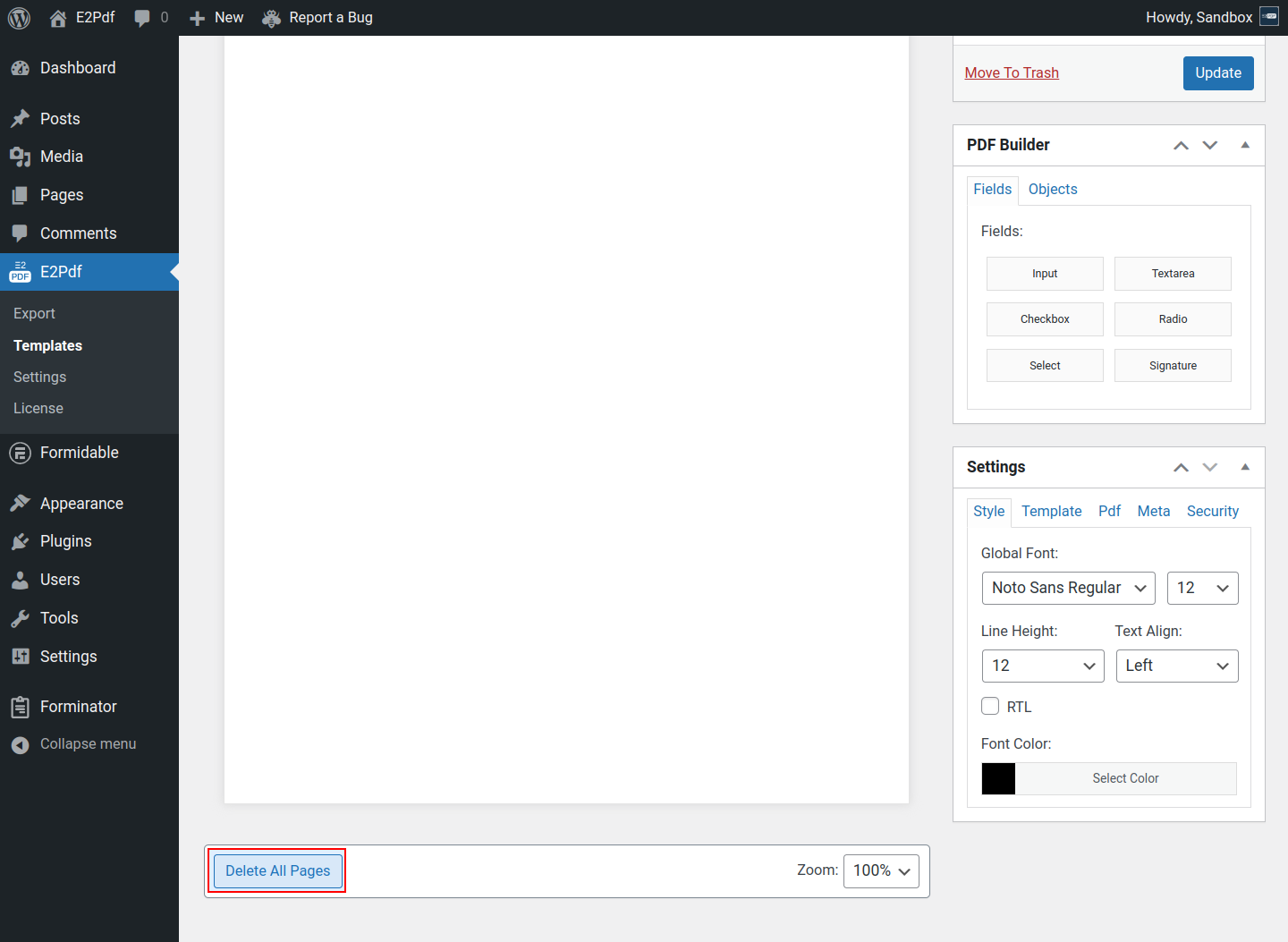
- Delete All Pages - is used to remove all pages. For pre-uploaded PDF it will be removed the original PDF.
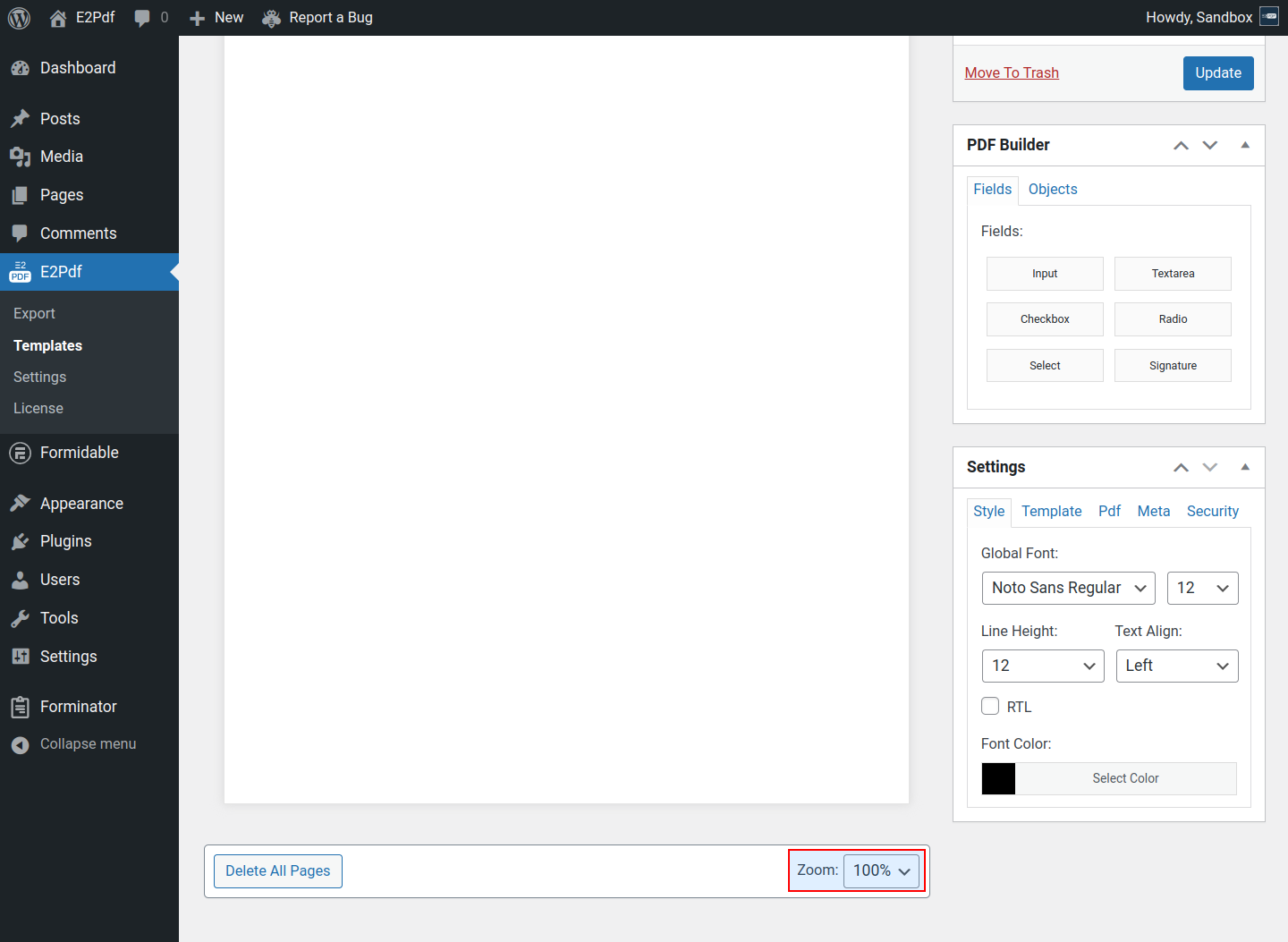
- Zoom - is used to change the "Zoom" of the PDF Builder area.